


 Buy a Licensed Company
  Explore VASP Data
  Talk to an Expert

 Bonniey Josef
Bonniey is a Psychologist and Crypto Copywriter with extensive experience in writing content that educates and entertains.
Bonniey Josef
Bonniey is a Psychologist and Crypto Copywriter with extensive experience in writing content that educates and entertains.
Why Crypto Casinos Are Shifting From App Stores to Web Apps in 2026
https://www.pexels.com/photo/cellphone-on-a-brown-surface-in-close-up-photography-8296106/
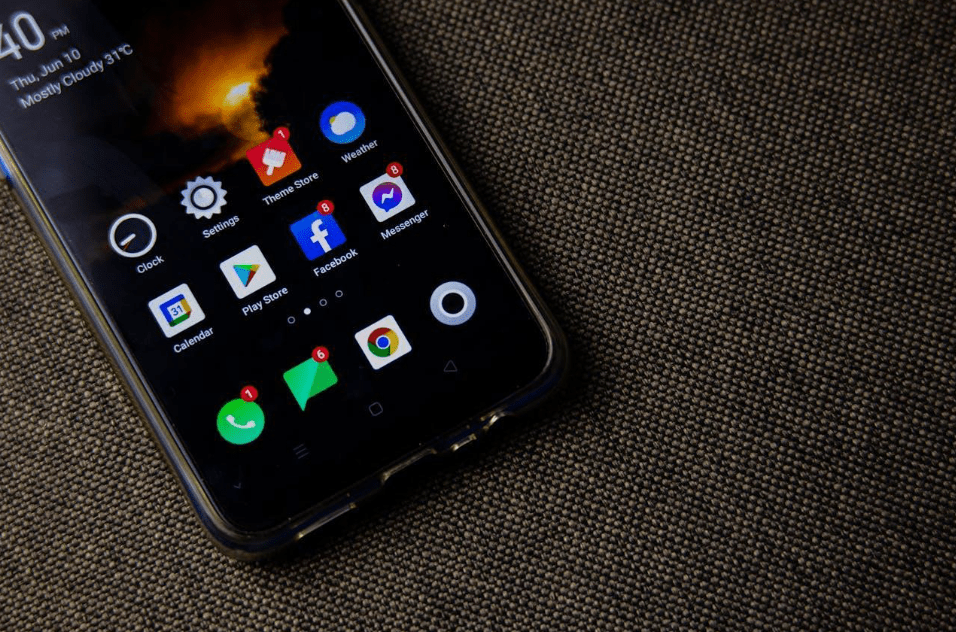
If you have ever searched for a crypto casino app on your phone, the friction can start before you even reach a lobby. Store installs, update prompts, and the tiny pauses between “open,” “approve,” and “back to the game” add up. In 2026, more crypto casinos are leaning into web apps because they reduce steps without requiring a heavyweight native download.
Crypto Casino Web Apps And PWAs Explained
A web app, often built as a Progressive Web App (PWA), is still a website, but it can sit on your home screen and launch like an app. This article explains what that actually changes, how to install a web app on iPhone and Android, and what to check so the experience stays smooth.

To make the shift tangible, let’s treat one lobby as a quick usability test and focus on what you can observe. Open a crypto casino games website on your phone and watch how quickly the interface becomes usable – not just when the page appears, but when scrolling, menus, and taps respond without lag. Then check “thumb travel”: can you move between sections, return to where you were, and keep text readable without constant zooming?
Next, use your browser’s “add to home screen” or “install” option, then launch it from the new icon. Does it open in a clean full-screen window, or does it feel like a regular tab? Try a simple loop: open a game listing, back out, and repeat. If you use a wallet to store your crypto, notice whether returning from the wallet approval drops you back where you started or keeps you oriented. When you repeat those tests on a crypto casino games online website, you are effectively testing whether the web app is doing its job.
If you would rather not use a web app, however, many of these sites will have a native app you can install instead. This can be optimized to run on your phone in ways that websites can’t, which may make it a better choice in some situations – although web apps certainly have their advantages too. Exploring both options will ensure you end up with the one that’s right for you.
View this post on Instagram
What A PWA Actually Is
A native app is installed through an app store and runs as its own package. A PWA starts as a website, but your browser can save it to your home screen and launch it in a more app-like view, often full screen. There are various reasons for preferring this, such as potentially better update behavior than native apps. Most apps require updates to make changes to the installed files on your phone, so you will need to download data and wait before you can use the app. PWA updates are mostly handled through the website, so you usually see changes the next time you open it without waiting for a store update cycle.
The trade-off is that web apps live inside browser capabilities. Notifications, offline behavior, and how “native” the launch feels can vary by device and browser. So the useful question is not “PWA versus app,” it is “Does this web app behave well on my phone?”
Why Web Apps Fit Crypto Casino Mobile Flow
Crypto casino play on mobile is a chain of small interactions: open, browse, pick a game, approve a wallet action, return to play. Web apps can make that chain feel tighter because the same browser environment handles the session, the home screen icon, and the return trip after an approval. Some are also more accessible for folks with disabilities.
Consistency matters more than raw speed in this area. A good mobile experience remembers its internal state from your last session, avoids hard refreshes, and makes it obvious what is happening when a wallet prompt appears.
How To Install A Web App On iPhone And Android
Most PWAs follow the same pattern. You open the site in a supported browser, then use the browser menu to add it to your home screen. The wording varies, but you are generally looking for an option like “Add to Home Screen” on iPhone, and an “Install app” option on Android.
A simple sequence:
- Open the site in your main browser, not inside an in-app web view.
- Use the browser share icon or menu button.
- Choose the add to Home Screen or install option.
- Launch from the new icon and repeat the quick usability test.
FAQs Before You Select A Crypto Casino Web App
How do I know I am saving the right site?
Check the domain in the address bar, then add it from that page, not from a search result or forwarded tab.
What is the simplest security signal?
Look for HTTPS. If the browser warns you, stop.
How can I confirm the setup worked?
Relaunch from the home screen after a few minutes. The lobby should open cleanly without repeating setup steps.
Why PWAs Can Feel Faster On Repeat Visits
PWAs often use a service worker and cached files, so the app shell can load quickly while content follows. If your saved web app starts to feel stale, reload, clear the site data, then add it again so the cache resets. Always confirm the HTTPS domain first.